

Why do you need proxies for a TV: benefits and key points
09.06.2026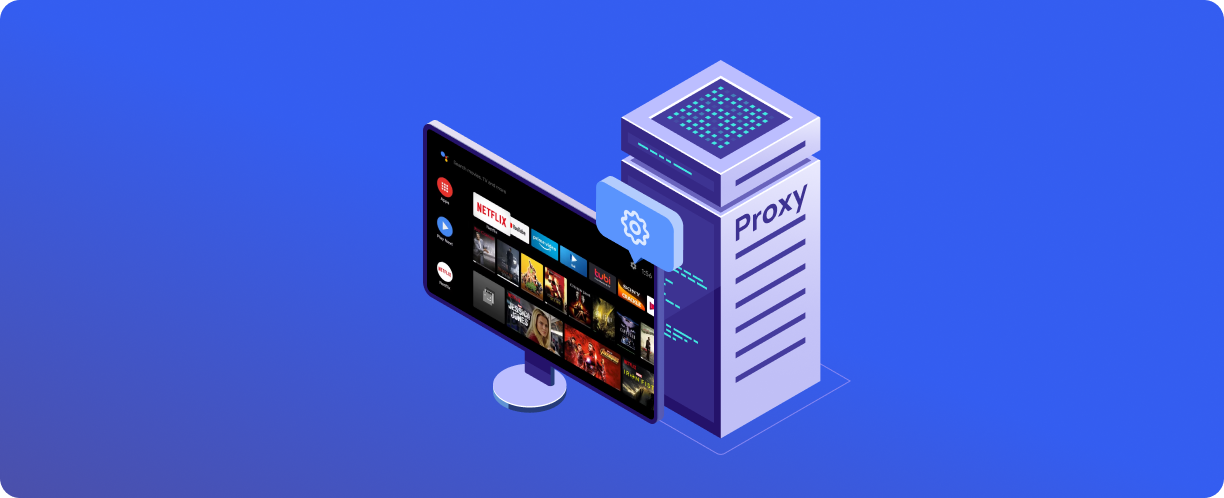
Modern Smart TVs have many functions beyond simply showing TV channels. They connect to the internet, run streaming services, YouTube, online cinemas, and other applications.
A proxy server is a tool that can affect how your TV works on the network. It changes the route of traffic, protects your IP address, and allows you to manage network parameters. But how relevant is this for a TV, and what tasks can be solved with it?
What is a proxy for a TV
A proxy server is an intermediary between the TV and the internet. Normally, the TV connects directly to the network: it sends a request to the application or website server and receives a response. When using a proxy, the request first goes to the proxy server, which then forwards it to the target resource on its own behalf, and sends the response back to the TV.
For the TV, setting up a proxy means that all network requests (or individual applications, if the system allows it) go through this server, so external resources see the proxy's IP address.
Setup is usually done in the TV's network connection menu. Most Smart TV models based on Android TV, Samsung Tizen, and LG webOS support manual proxy entry. In some cases, configuration is only available at the network level (for example, through the router).
Main benefits of using a proxy on a TV
Access to content
Some streaming services and online cinemas offer different sets of movies and TV series depending on the region. With a direct connection, the service detects the TV's geolocation and may not show you the content you want. A proxy with an IP address from the desired country changes the visible location, giving you access to the content you want.
Connection stability
Network routes are not always optimal — your provider may route traffic through congested nodes, leading to video buffering, reduced picture quality, and playback interruptions. A proxy server offers an alternative route that may be more stable and faster than a direct connection.
Security and privacy
A direct internet connection means your TV's IP address is transmitted to all the servers it contacts. A proxy changes the IP, substituting its own, making it harder to collect data about your device and its activity.
Network optimization
Proxy servers can cache frequently requested content. If multiple devices on the network access the same resources, the proxy can serve data from the cache without contacting the external server each time. This speeds up loading and reduces the load on your internet connection. For a TV that frequently requests movie posters, previews, and other static elements, the effect can be very noticeable.
Key points when setting up a proxy for a TV
Compatibility with the TV and applications
Not all TVs support proxies at the system level. Some models allow manual IP and port entry directly in the network settings, while others only support it for wired connections with no proxy settings for Wi-Fi. Some applications may ignore system proxy settings and connect directly. Before purchasing a proxy, it's worth making sure that your TV and the applications you use support this type of connection.
Proxy type
For watching video and using streaming services, an HTTP/HTTPS proxy is sufficient. HTTPS adds encryption between the TV and the proxy server. SOCKS5 is more versatile but is rarely needed for TV-related tasks. The main requirement is that the proxy must be stable and fast.
Configuring IP and port
The connection details (server IP address, port, username and password if authentication is required) are provided by the proxy provider. These are entered in the TV's network settings. It's important not to make a mistake, as an incorrect port or an extra space will make the connection impossible.
Checking proxy operation and speed testing
After setup, you need to make sure the proxy is working. Open an IP checking service in your TV's browser (if it has one) — for example, MyIP from Belurk. If the proxy's IP is displayed instead of your real one, the setup is correct. Then check the loading speed of streaming video. If quality has deteriorated, try a different proxy server.
Errors and pitfalls
Incorrect configuration and connection failures
Some TVs require you to specify not only the proxy but also separate ports for different protocols. Lack of authentication (username/password) when required will also lead to an error.
Using unreliable or free proxies
Free proxies are often overloaded, unstable, or owned by dubious operators. Furthermore, you don't know who runs the server or whether your traffic is being logged. For watching content on a TV, video quality matters, and saving money on a proxy can ruin your viewing experience.
Practical recommendations
Choosing a reliable proxy provider
Opt for paid services with transparent terms, speed guarantees, and support. The provider should offer clean IP addresses that are not flagged in streaming service databases.
Belurk offers proxies with different IP types and protocol support suitable for Smart TVs. The catalog allows you to choose server geography depending on what content you need. Connection speed is sufficient for high-quality streaming video. Technical support helps with setup if questions arise. All proxies are checked for functionality before sale.
Testing before permanent use
Set up the proxy on your TV and test it for a few days. Assess playback stability, loading speed, and any freezing. If the quality is unsatisfactory, switch servers or ask your provider for an address replacement.
Updating settings when changing networks or TVs
When connecting to a different Wi-Fi or replacing your TV, you will need to re-enter the proxy settings. Some TVs do not retain proxy settings after a reboot. Check your connection status after changing networks.
Choosing and setting up a proxy correctly will make your content viewing experience on your Smart TV more comfortable, and Belurk will provide you with stable and fast proxies suitable for these tasks.
Try belurk proxy right now
Buy proxies at competitive prices
Buy a proxy